All updates
Improved
In-kind gifts and better receipts
Track donated goods and services, notify your website when recurring gifts change, and send receipts donors can use at tax time.
Rohit Kaushik, Head of Engineering
You can now track donated goods and services and give donors receipts they can use at tax time.
In-kind gifts
Record donated goods and services alongside your cash gifts, and keep them out of your cash totals.
- Your categories and catalog. Under Settings → Organization → In-kind, set up categories for what you receive (clothing, pet supplies, veterinary services) and a catalog of what each item is worth. A starter catalog gets you going.
- Record a gift. Log an in-kind gift against a contact, price it from your catalog, or leave it unvalued. Edit it later from its row instead of deleting and re-entering it. A corporate drop-off can be recorded against a company with no contact needed.
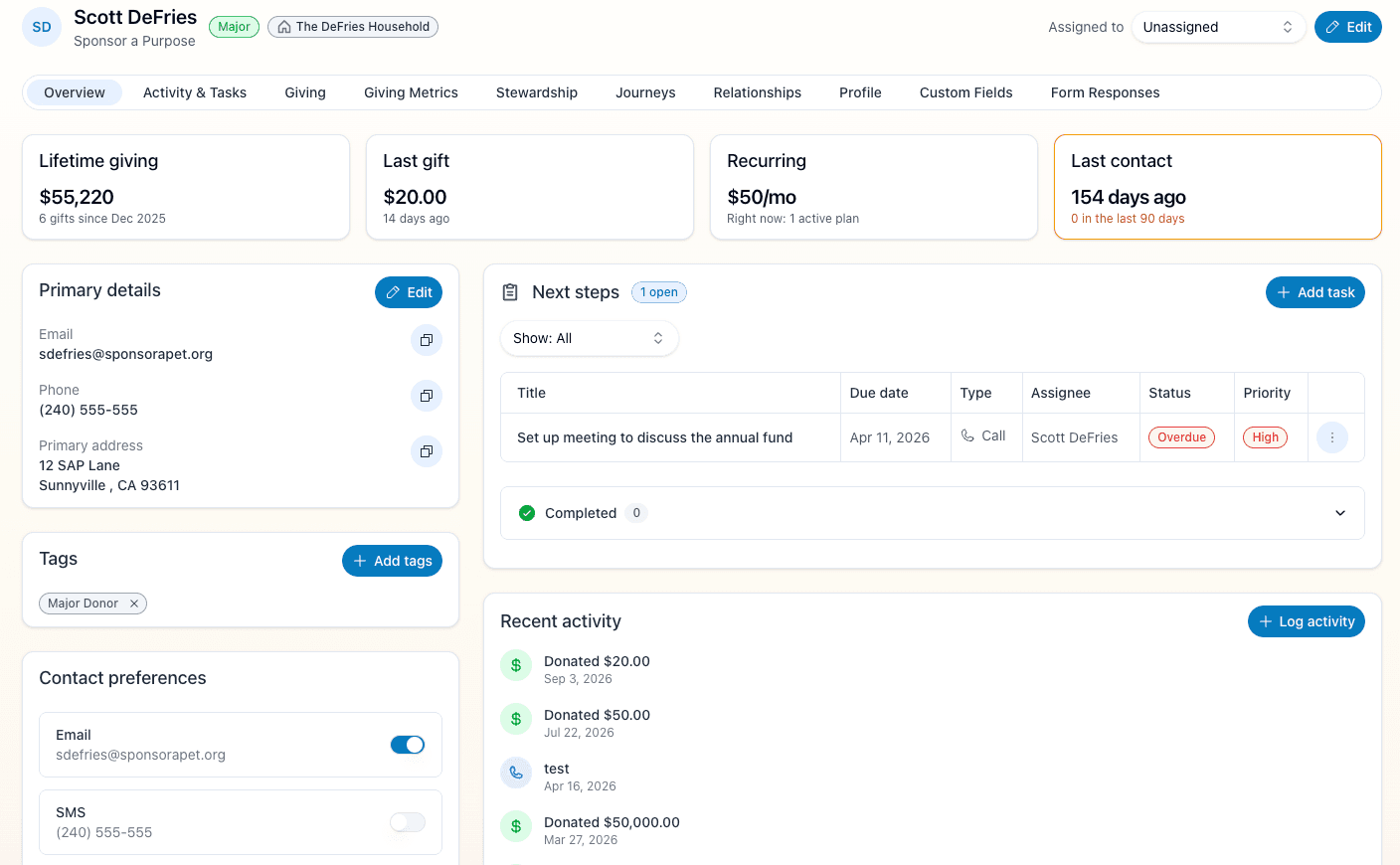
- Where it shows up. In-kind gifts appear on the donations list, a campaign's header, company records and a contact's Giving tab. They are always reported separately from cash, so your fundraising metrics stay accurate.
- Acknowledgments. Donors get an acknowledgment when their gift is recorded, describing what arrived and never putting a dollar value on it. Any that couldn't be delivered show on the donations list and the donor's record, where you can resend or print a copy to mail.
- Year-end report. A new standard report, In-kind gifts received, lists everything donated in the fiscal year with totals by category, and flags gifts over $500 and $5,000.
- Import past gifts. Bring in a CSV of historical in-kind gifts from the Finance import drawer (donors, categories, quantities and values) without sending anyone a second thank-you.
Receipts and year-end statements
- Say what the donor received. Receipts state exactly what a donor received in return for a gift, if anything.
- Receipts for offline gifts. Gifts you record by hand or import from a CSV can now email a receipt too.
- Year-end giving statements. Open a donor's statement from their Giving tab: every gift they made in a calendar year, ready to print or save as a PDF.
Also new
- Programs in Settings. Every organization can now manage programs under Settings → Programs, with a fundraising goal and an optional code. Archive a program you no longer run, and its name stays on the grants and gifts already recorded against it.
- Donor employers in your CRM. When a donor picks their employer in the Double the Donation step, their contact is linked to that company, and an empty Employer field is filled in for you.