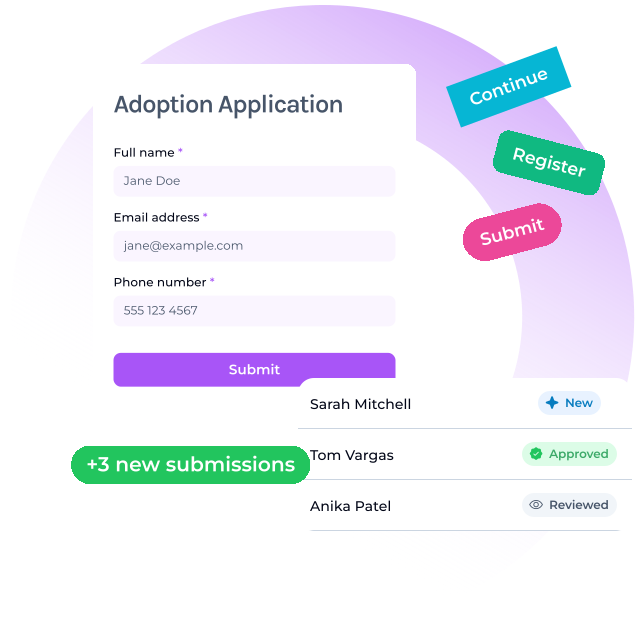
Forms that connect directly to your CRM workflow
Build branded forms for donations, volunteers, events, applications, and intake — then automatically sync submissions, trigger follow-up, and keep supporter records organized in one place.
Forms that connect directly to your CRM workflow
Build branded forms for donations, volunteers, events, applications, and intake — then automatically sync submissions, trigger follow-up, and keep supporter records organized in one place.
What is a nonprofit form builder?
A nonprofit form builder helps organizations collect donations, volunteer applications, event registrations, surveys, and intake information through connected online forms.
Why should forms connect to the CRM?
When forms connect to the CRM, submissions can update contact records, trigger follow-up, apply tags, assign tasks, and improve reporting automatically.
What forms can nonprofits create?
Nonprofits can create donation forms, volunteer applications, event registrations, sponsor inquiries, surveys, contact forms, and custom intake workflows.
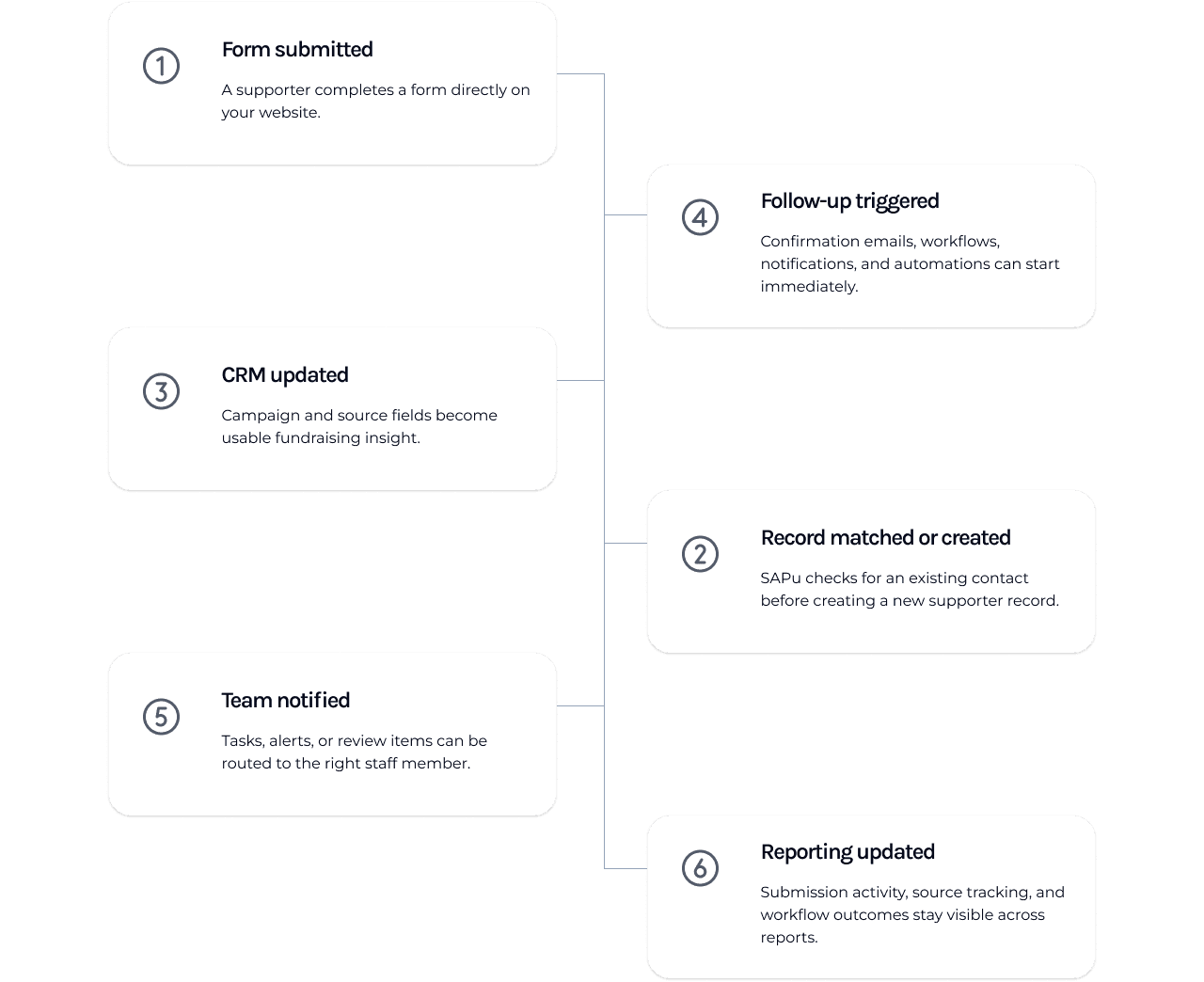
One form submission can update the rest of the workflow
Most form tools collect responses and leave your team with another inbox to manage. SAPu forms connect directly to your CRM, reporting, automations, donor records, and follow-up workflows — so submissions continue moving through the system automatically.
Create branded forms for every supporter journey
Create custom forms from scratch, start with ready-made templates, and style each form so it feels like a natural part of your nonprofit's website.
Start faster with nonprofit-friendly templates
Use ready-made forms for common workflows, then customize the fields, wording, and routing around your team's process.
Make each form feel like your organization
Customize colors, layout, copy, and presentation so embedded or shared forms match the rest of your online presence.
Existing branding settings can be applied automatically for faster setup and consistency across the platform.
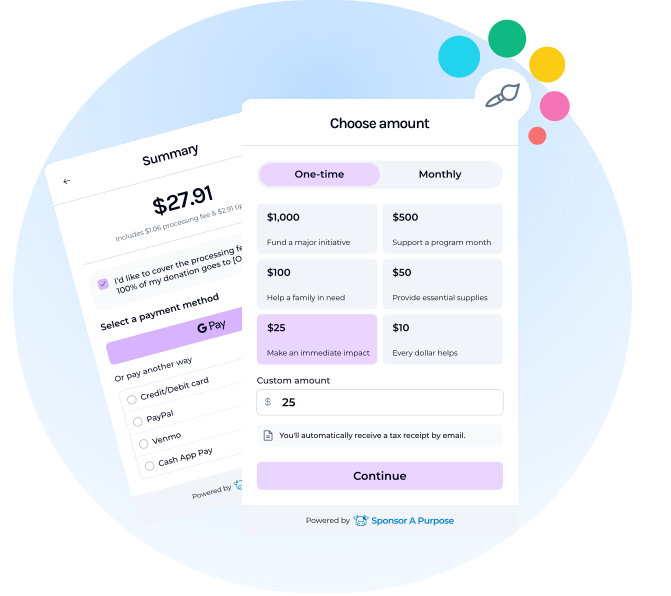
Built-in donation forms for nonprofit teams
Create donation forms with recurring giving, campaign tracking, receipts, and donor record updates already connected behind the scenes. Included free with the platform.
See what happens after someone submits a form
Track submissions, donor activity, volunteer interest, campaign performance, and follow-up progress from one connected reporting system.
How SAPu forms compare to standalone form tools
Standalone form builders are useful for collecting responses. SAPu forms are built for nonprofit workflows connected to CRM records, donations, email, reports, and follow-up.